In world of digital publishing, every impression matters. When an ad request is made but no ad is served, the impression goes unfilled resulting in wasted opportunities and lost revenue for publishers. This is a common challenge in Google Ad Manager (GAM)
Think of it this way unfilled impressions are like wasting your traffic. You worked hard to bring users to your site, but if ads don’t serve, those valuable page views generate zero revenue. It’s like opening a shop, attracting customers inside, but keeping empty shelves. Optimizing fill rates ensures that every bit of your traffic is monetized effectively.
At AdPubsValue, we help publishers maximize their ad revenue by addressing exactly these challenges. In this article, we’ll break down what unfilled impressions are, why they occur, and the actionable strategies you can use to improve your fill rates in Google Ad Manager.
Understanding What is Unfilled Impressions
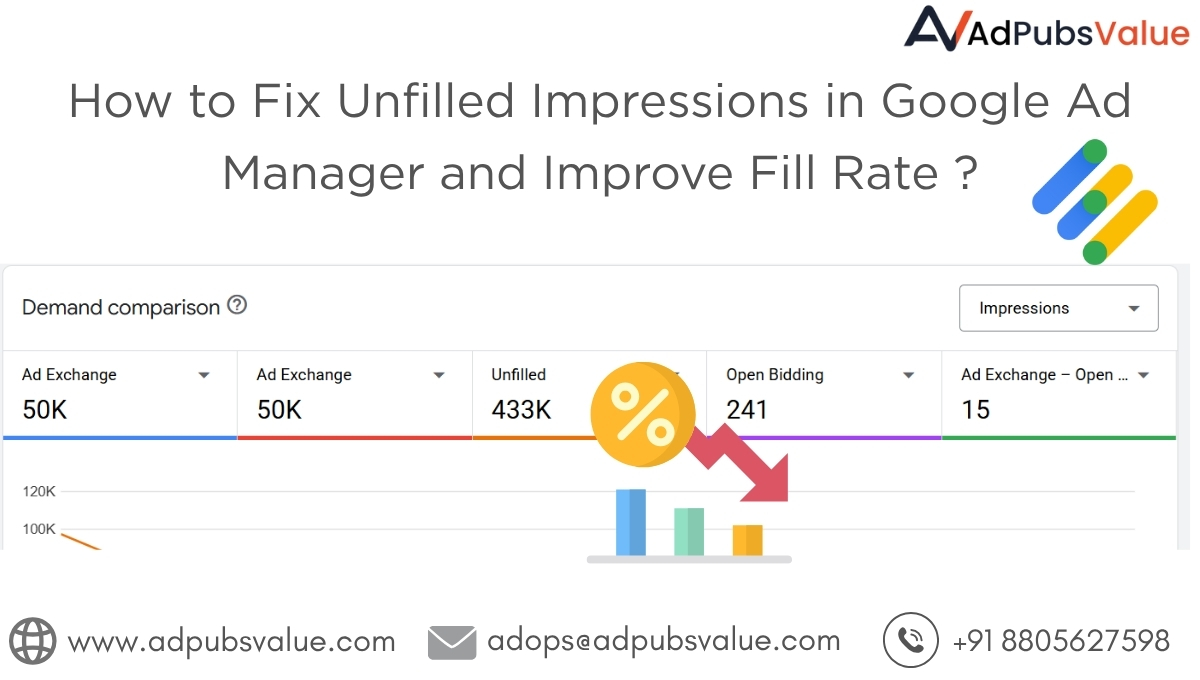
An unfilled impression occurs when a user visits your site, an ad request is made, but Google Ad Manager is unable to serve an ad. Instead of an advertisement, the slot may remain empty, display a backup creative, or collapse altogether.
Some of the most common reasons for unfilled impressions include :
- No eligible demand source available for the request.
- Advertiser demand is too low for the targeted geography, device, or format.
- Floor prices are too high, making inventory unattractive to buyers.
- Ad sizes do not match demand sources’ supported formats.
- Latency or technical errors preventing the ad from rendering in time.
Each unfilled impression represents a lost revenue opportunity and when accumulated across millions of page views, the impact on a publisher’s bottom line can be massive.
Why Fill Rate Matters
Fill rate is the percentage of ad requests that result in an actual ad being served. For example, if your site generates 1,000,000 ad requests but only 850,000 ads are delivered, your fill rate is 85%, leaving 150,000 impressions unfilled.
A higher fill rate means:
- Better monetization efficiency – more of your inventory is generating revenue.
- Improved user experience – fewer empty slots or collapsed banners.
- Stronger advertiser relationships – since buyers prefer publishers with reliable inventory delivery.
Publishers aiming for maximum yield should always monitor their fill rate and take proactive steps to minimize unfilled impressions.
Common Reasons of Low Fill Rates
- Geographical Limitations
Some regions have less advertiser demand. If your traffic is coming from areas where advertisers are not actively bidding, your inventory may remain unfilled. - Overly Aggressive Floor Prices
Setting CPM floors too high can block advertisers who might otherwise fill the impression at slightly lower rates. While floors help protect value, they must be managed carefully. - Limited Demand Sources
Relying on a single exchange or only direct campaigns reduces competition, which lowers both fill and CPM. - Unsupported Ad Sizes or Formats
Unusual banner sizes may attract fewer advertisers. This is especially true for custom formats not widely supported across networks. - Technical Errors & Latency
Slow-loading sites, heavy scripts, or timeouts can cause ad calls to fail, leading to unfilled impressions. - Narrow Targeting Parameters
If your line items are too restrictive (geo, device, frequency caps, etc.), fewer ads will qualify to serve. - Low-Value Content or Poor Traffic Quality
Advertisers are selective about where they spend. If your site contains thin or duplicate content, or if traffic comes from poor-quality sources (bots, incentivized clicks, low engagement), advertisers may lower bids or skip your inventory entirely. This directly increases unfilled impressions.
How to Fix Unfilled Impressions in Google Ad Manager
1. Optimize Google Ad Exchange (AdX) Setup
If you’re facing unfilled impressions in Google Ad Manager, it doesn’t always mean there’s no demand — often it’s about how GAM and AdX are configured. Many publishers unknowingly block bids or limit competition because of targeting rules, floor prices, or poor ad placements
- Review and adjust CPM floor settings regularly.
- Monitor Active View % in GAM reports and reposition low-performing placements.
- Broaden line item targeting (geo, device, audience) where possible.
- Stick to standard IAB ad sizes to maximize demand.
- Pair AdX with additional demand sources via header bidding for backup fill.
Bottom line: AdX is powerful, but optimization is key. Don’t just enable it fine-tune it.
2. Diversify Demand Sources
One of the best ways to reduce unfilled inventory is to increase competition for your impressions. Incorporate multiple demand sources such as SSPs, ad networks, and programmatic buyers through header bidding or mediation. This ensures that if one source doesn’t have an ad, another can step in.
3. Smart Floor Price Management
Instead of static CPM floors, adopt dynamic pricing strategies. For example, use data-driven rules to adjust floors based on geography, time of day, and traffic quality. At AdPubsValue, we use AI-powered floor optimization to ensure publishers maximize CPMs without sacrificing fill.
4. Broaden Targeting When Possible
While precise targeting is valuable, being too narrow limits eligible line items. Review targeting rules across your GAM setup and loosen restrictions where possible to expand competition.
5. Stick to Standard Ad Sizes
Popular formats such as 300×250, 728×90, 320×50, and 336×280 are widely supported and attract the most demand. Always include fallback creatives to maximize coverage.
6. Optimize Page Speed and Reduce Latency
Slow-loading ads often get skipped or timed out, especially on mobile. Best practices include:
- Using a CDN to speed up asset delivery.
- Implementing lazy loading for ads below the fold.
- Reducing third-party scripts that slow down page rendering.
7. Leverage Programmatic Guaranteed and Preferred Deals
Direct deals with advertisers can guarantee impressions and ensure that premium inventory is always monetized, reducing reliance on open exchanges alone.
8. Apply Ad Refresh (with Caution)
Refreshing ads after a set interval can increase overall revenue and reduce wasted slots. However, refresh should be implemented carefully to avoid policy violations and ensure ads remain viewable.
9. Utilize House Ads for Unsold Inventory
Even with all optimizations, some impressions may still go unfilled. Instead of leaving those slots blank, publishers can serve house ads (internal promotions). This ensures that no impression is wasted, even if it doesn’t generate direct ad revenue.
House ads can:
- Promote your own blog content, newsletters, or apps.
- Highlight affiliate offers or brand partnerships.
- Cross-promote other digital properties you own.
Before diving into optimization strategies for Fill Rate, it’s important to remember that advertisers don’t just want impressions they want viewable impressions. Even if your ad slots are technically being filled, low viewability can make advertisers bid less or avoid your placements altogether, which in turn increases unfilled impressions. That’s why monitoring and improving Active viewable impressions in Google Ad Exchange (AdX) is one of the most critical steps in reducing wasted traffic.One of the most overlooked reasons for unfilled impressions is low viewability. Advertisers don’t just pay for ads to load they want them to be seen. That’s where Active View % (viewable impressions) comes in.
What Is Active viewable impressions ?
Active View % measures how many of your served impressions were actually viewable by users. An impression is considered viewable when:
- At least 50% of the ad’s pixels are visible on-screen.
- For at least 1 second for display ads (or 2 seconds for video).
If and ad loads at the bottom of the page but the user never scrolls down, it counts as served but not viewable, lowering your Active View %.
Why Low Active View Hurts Fill Rates
- Advertisers reduce bids for low-viewability placements.
- Some buyers use filters to block inventory below certain viewability thresholds.
- This decreases competition, leading to higher unfilled impressions.
How to Improve Active Viewability
- Reposition Units – Place ads in above-the-fold or in-content areas.
- Avoid Blind Spots – Don’t bury ads too far down pages.
- Use Sticky Formats – Anchor ads and sticky banners maintain visibility.
- Mobile-Friendly Layouts – Prevent ads from collapsing or overlapping.
- Track in GAM – Regularly monitor Active View reports per ad unit and optimize low-performing placements.
Improving Active View increases advertiser trust, raises competition, and reduces unfilled impressions. Unfilled impressions represent wasted potential not just in terms of revenue, but also in user engagement and advertiser trust. By optimizing AdX, diversifying demand, producing high-quality content, managing floor prices smartly, and improving Active View %, publishers can significantly reduce unfilled inventory and improve fill rates in Google Ad Manager.
For publishers serious about maximizing ad revenue, fill rate optimization should be a top priority.
Don’t let unfilled impressions hold back your growth. At AdPubsValue, we specialize in optimizing Google Ad Manager and AdX setups, improving fill rates, and connecting publishers with premium demand sources.
👉 Get in touch with us today and let our experts help you unlock the full earning potential of your ad inventory.
📩 Contact Us Now | 🌐 Visit AdPubsValue.com