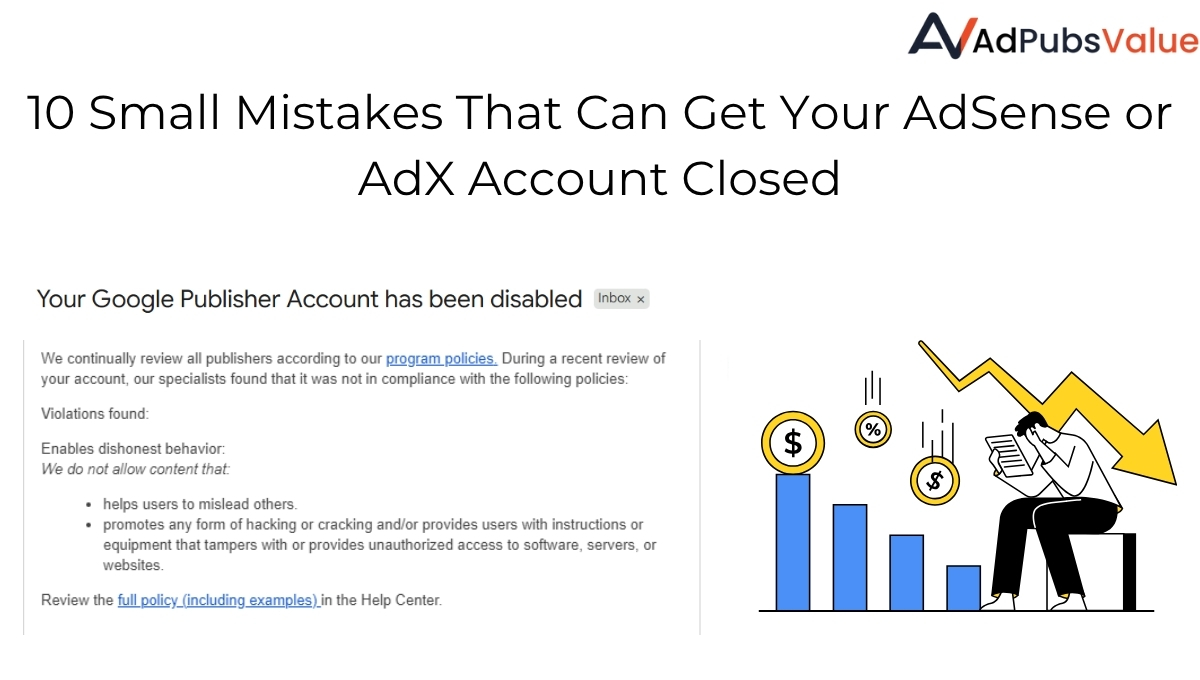
For publishers, nothing is more frustrating than losing revenue or even having an account suspended because of policy violations. Whether you’re monetizing with Google AdSense or AdX compliance is non-negotiable. The problem? Many publishers unintentionally break the rules and often it’s due to small mistakes that could easily have been avoided.
A single misstep whether related to ad placement, content, or user interaction can put your account at risk and jeopardize your revenue. Understanding the importance of policy compliance and staying vigilant is crucial for any publisher who wants to grow sustainably and protect their monetization efforts. In this blog, we’ll cover the most common mistakes that lead to policy violations and how you can prevent them to safeguard your monetization strategy.
1. Placing Ads on Prohibited Content
Not all content is monetizable. Google and major ad exchanges restrict ads on content related to:
- Adult, shocking, or violent material
- Misleading, hateful, or harmful content
- Copyright-infringing content
Always review your site’s pages. If you allow user-generated content, set up moderation filters to block prohibited content before ads load.
Why It’s a Problem: Advertisers don’t want their brand associated with such content. Violations can result in limited ads, revenue withholding, or even suspension.
2. Accidental Invalid Traffic (IVT)
Invalid traffic clicks or impressions generated artificially is one of the top reasons accounts get suspended. This includes:
- Encouraging users to click ads
- Clicking your own ads
- Using bots or paid traffic exchanges
Focus on organic, high-quality traffic. Never use shady services promising “guaranteed clicks.
Why It’s a Problem: Advertisers pay For Quality Traffics And Real Genuein Leads Not for Fake Traffic, which damages trust in the ad ecosystem. Google uses advanced fraud detection, and repeated violations can result in account termination.
3. Misleading Ad Placements
Ad placements that trick users into accidental clicks are a red flag. Examples:
- Ads too close to navigation buttons
- Ads disguised as content
- Pop-ups that block content access without user choice
Keep a clear distinction between content and ads. User experience should always come first. Misleading placements harm user experience and waste advertiser budgets. They also increase the risk of being flagged for “invalid clicks
Case Study : One of our publisher lost their account after placing ads above the site navigation without labeling. Google stated that simply marking them as “Advertisement” or “Sponsorship” would have kept them compliant.
4. Poor Site Navigation or Broken Navigation Structure
Your site’s navigation plays a major role in policy compliance. Google expects publishers to offer clear, consistent, and user-friendly navigation so visitors can easily access content.
Many accounts get suspended because their sites are considered “difficult to navigate” or “misleading to users.”
Common navigation issues include:
- Missing or broken menu links
- Redirect loops or dead-end pages
- Too many ads or pop-ups blocking the navigation bar
- Navigation menus that move or change on every page
- Landing pages with no clear way to return to the homepage or explore other sections
Why It’s a Problem:
Poor navigation makes it hard for users to find content and signals low-quality or deceptive site design to Google. In severe cases, Google classifies such sites as “misleading navigation,” which can lead to account suspension or ad serving limitations.
How to Stay Compliant:
- Keep navigation consistent across all pages.
- Ensure all menu links are functional and point to real, relevant content.
- Avoid placing ads near or inside navigation bars.
- Test your site’s navigation on mobile and desktop.
- Maintain a clear site hierarchy (Home → Category → Article).
5. Ignoring Mobile-Friendly Requirements
With mobile traffic dominating in 2025, poor mobile ad experiences can cause policy issues. Common mistakes include:
- Overlapping ads with content
- Ads that push content below the fold
- Pages that load too many heavy ads, slowing performance
- Test all ad placements across devices. Optimize for speed and readability.
Why It’s a Problem: Poor mobile experiences drive users away, reduce trust, and are flagged by Google as “disruptive ads.
6. Non-Compliance with Privacy Rules
GDPR, CCPA, and other data protection laws require publishers to:
- Obtain user consent for cookies/personalized ads
- Provide clear opt-out options
- Be transparent about data usage
Always use a compliant CMP (Consent Management Platform) and keep policies updated. Violating GDPR, CCPA, or Google’s privacy requirements can lead to severe penalties, blocked personalized ads, or legal action.
7. Overloading Pages with Ads
Too many ads not only hurt user experience but also violate Google’s “valuable inventory” policy. Overloading harms user experience, reduces content value, and risks your account being flagged for “low-value content Balance monetization with content quality. A page should offer real value ads should complement, not overwhelm.
8. Ignoring Policy Updates
Policies evolve constantly. What was acceptable last year may be prohibited now. Many publishers fail to stay updated and risk violations. Outdated practices can lead to unintentional violations. Ignorance is not an excuse in policy enforcement. Regularly review Google Ad Policies and updates from your monetization partners.
9. Showing Ads on No-Content or Error Pages
One of the biggest mistakes publishers make is monetizing pages that don’t provide real content or value to users. Google’s policy is clear: ads must only appear on valuable, content-rich pages. Serving ads on blank or error pages is seen as misleading because advertisers are paying for impressions that don’t provide user engagement. This includes:
- 404 Error Pages (page not found)
- Soft 404s (redirects or blank content)
- Broken Links leading to empty templates
- Placeholder pages without meaningful text or media
Why It’s a Problem:
• Users leave immediately (bad experience).
• Advertisers lose trust, lowering your fill rates.
• Repeated violations may lead to account suspension.
10. Placing Ads Too Close to CTAs or Using Fake Rewards
Some publishers try to boost CTR by placing ads near critical buttons such as :
- Download / Install buttons
- Apply Now or Submit buttons
- Watch video to get reward (but no actual reward)
Why It’s a Problem:
This setup misleads users into accidental clicks. Google flags it as click spam and policy abuse. Advertisers pay for irrelevant clicks, users feel tricked, and publishers risk permanent suspension.
How to Avoid It:
- Always leave ample spacing between ads and CTAs.
- Use clear labels like “Advertisement” or “Sponsored.”
- Never promise fake rewards. If you use rewarded ads, they must give users a real, tangible reward (extra content, coins, features, etc.).
Remember : Google looks closely at ad placement near interactive elements. Even if the ad is “technically compliant,” if it causes accidental clicks, it’s a violation.
Policy violations can put your entire monetization at risk sometimes permanently. By avoiding these common mistakes, publishers can protect their accounts, maintain compliance, and focus on maximizing revenue growth.
Publishers hope Google will give a warning before taking action, but in reality, that’s very rare. Most policy violations are caught automatically, and serious issues can lead to immediate enforcement, like revenue being withheld or accounts being Terminate. That’s why it’s important to stay proactive and fix potential issues before they ever become a problem don’t wait for a notification that might never come.
At AdPubsValue, we Not only help publishers grow revenue but also ensure compliance with policies, privacy laws, and platform guidelines. With our expertise, you can monetize smarter without worrying about account suspensions.